
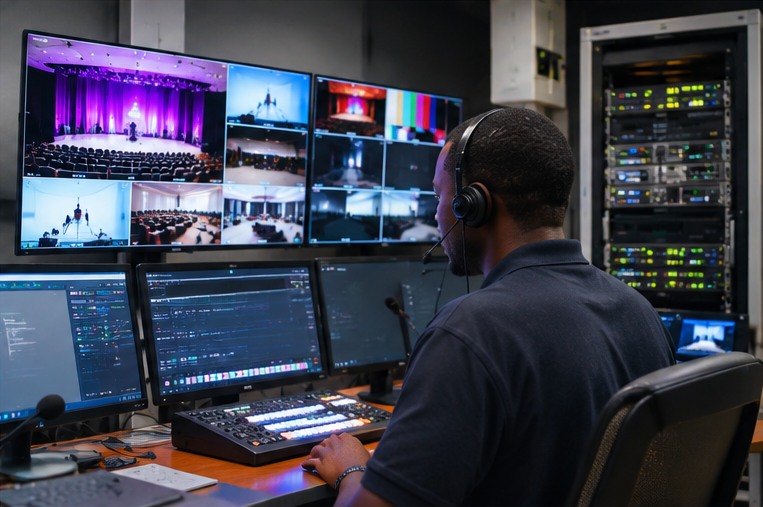
Hybrid meetings connect people in a physical room with colleagues joining remotely. The room technology has to make the experience balanced: remote participants should see the room, hear each speaker and follow shared material, while people in the room should be able to participate without troubleshooting the system.
Video coverage and framing
Camera selection depends on room depth, table shape, seating layout and whether the camera should show the whole room or follow active speakers. A huddle room, training room and executive boardroom may need different camera approaches.
Speech pickup and sound
Audio is often the most noticeable part of a poor hybrid meeting. Microphone pickup, loudspeaker placement, echo cancellation, acoustic treatment and room noise need to be considered together. Large rooms may need multiple microphone and speaker zones.
Content sharing and controls
A display or dual-screen arrangement helps people see both participants and presentation material. USB-C or BYOM connections, wireless presentation and touch controllers can make it easier to start sessions and share content, provided they fit the organisation’s IT and platform standards.
A practical pre-installation checklist
- Document room dimensions, seating and lighting.
- Confirm Zoom, Microsoft Teams, Google Meet or other platform requirements.
- Check network, VLAN, power and cabling readiness with IT.
- Decide whether users bring laptops or use a room system.
- Plan labels, training, support and future expansion.